
What it does
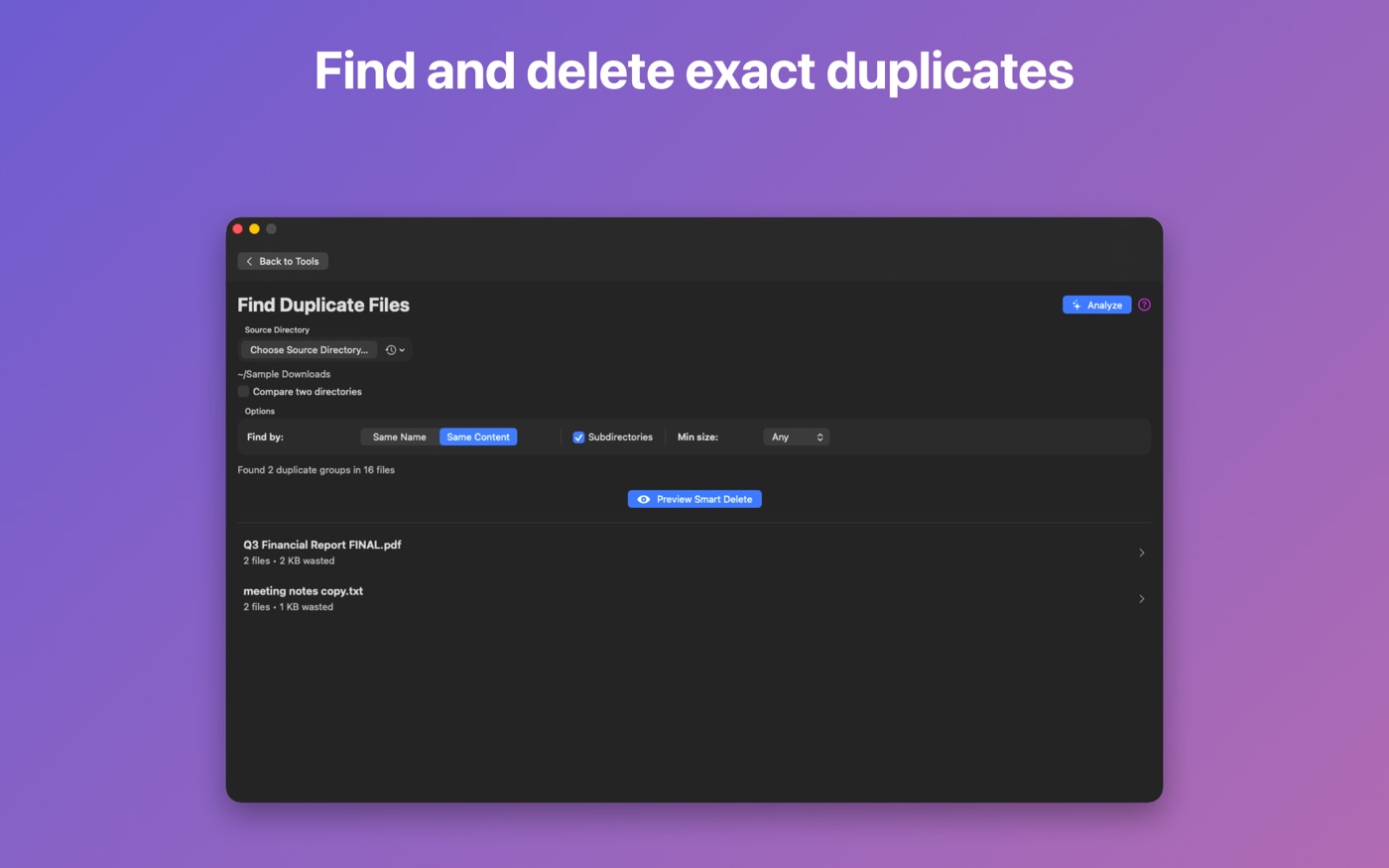
Find duplicates
Locate duplicate files by name or content using SHA-256 hashing. Free up disk space safely.
Similar files
Fuzzy filename matching surfaces related files you might want to consolidate or review.
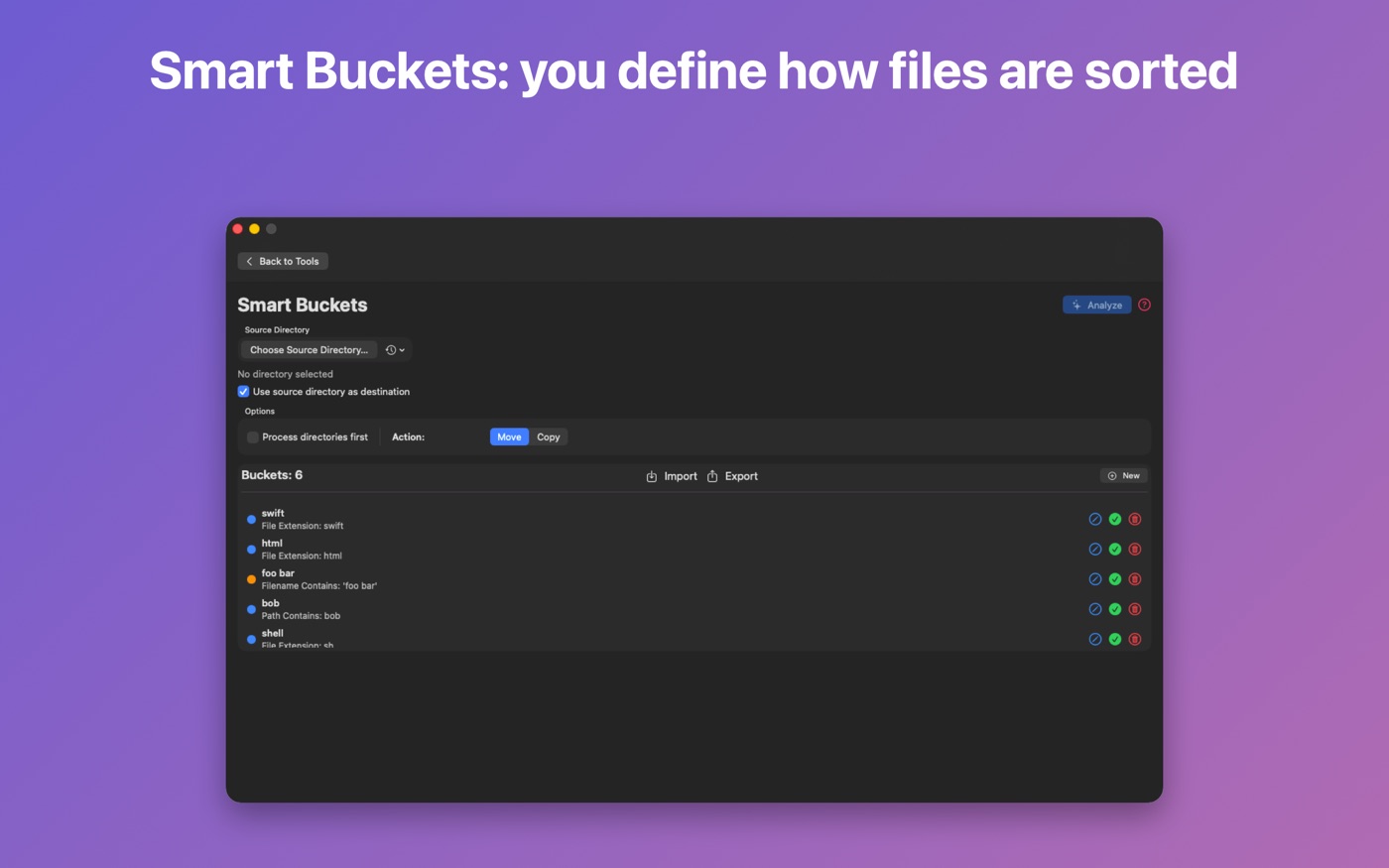
Smart Buckets
Define rules to automatically sort files by name, path, or extension into organized folders.
Auto-organize
Analyze your files and get intelligent grouping suggestions based on patterns.
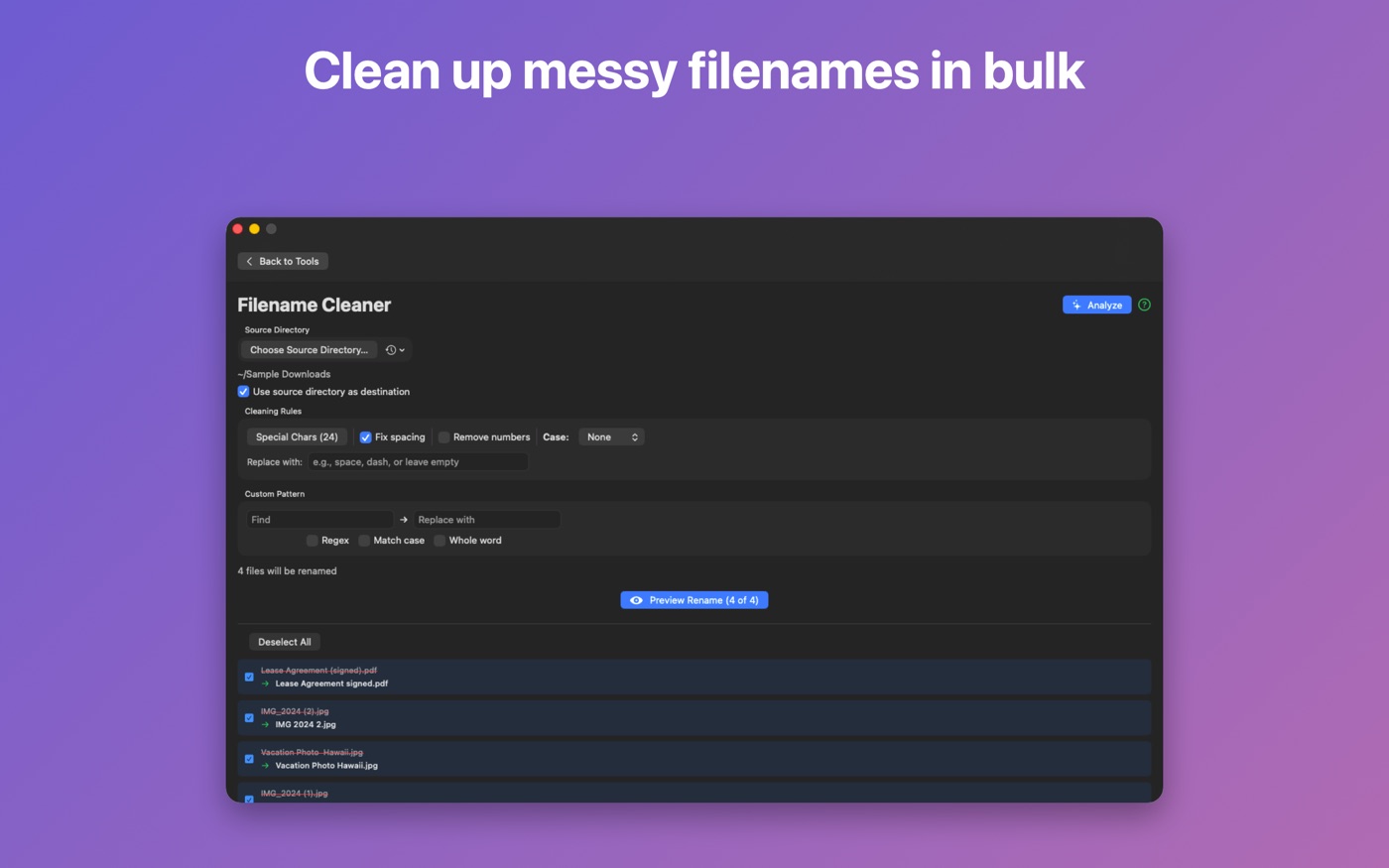
Filename cleaner
Batch rename files — remove special characters, fix spacing, change case, apply regex patterns.
Date sort
Automatically organize files into folders sorted by creation or modification date.
Screenshots
Safe by design
SmartFiler is built around a preview-before-you-commit workflow. No files move until you approve the changes.
- All deletions go to Trash, not permanent delete
- Preview changes before any file operation runs
- Cancel long-running operations at any time
- Test on small folders before tackling your whole drive
Good habit: back up important files before any bulk operation — SmartFiler makes it easy to be confident, but a backup is always good practice.
Requirements
- Platform: macOS 13 Ventura or later
- Architecture: Apple Silicon and Intel
- Mac App Store: free download with optional in-app purchase
Support
Need help? Read the full documentation, or email support@robroy.online.